
The expiration of Secure Boot certificates on some PCs has been causing concern, as it leaves these devices vulnerable to attacks. This issue primarily affects PCs that have not received updates.
Secure Boot is a security feature implemented by Microsoft to prevent malware from modifying Windows and evading antivirus software detection. It works by verifying the digital signatures of drivers and software against a stored database of security certificates. Three of the four older certificates expired in the last week of June 2026, while the fourth one is set to expire in October 2026.
To ensure full protection, PCs should be using newer Secure Boot certificates, issued in 2023. If a PC still uses the older certificates, users can check the Windows Security app for a warning. A blue shield icon with a yellow or red mark in the system tray or a yellow or red warning indicator next to Secure Boot in the Windows Security app indicate that the certificates are expired.
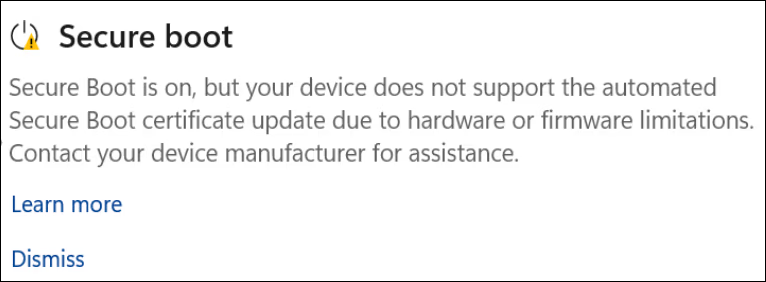
If you see a yellow or red warning about Secure Boot, you need to check your PC to see if it can receive automatic updates. Microsoft is expanding its rollout of automatic certificate updates, but it can only push the newer certs if the firmware is up-to-date.
There are three things you can do if you have expired Secure Boot certificates:
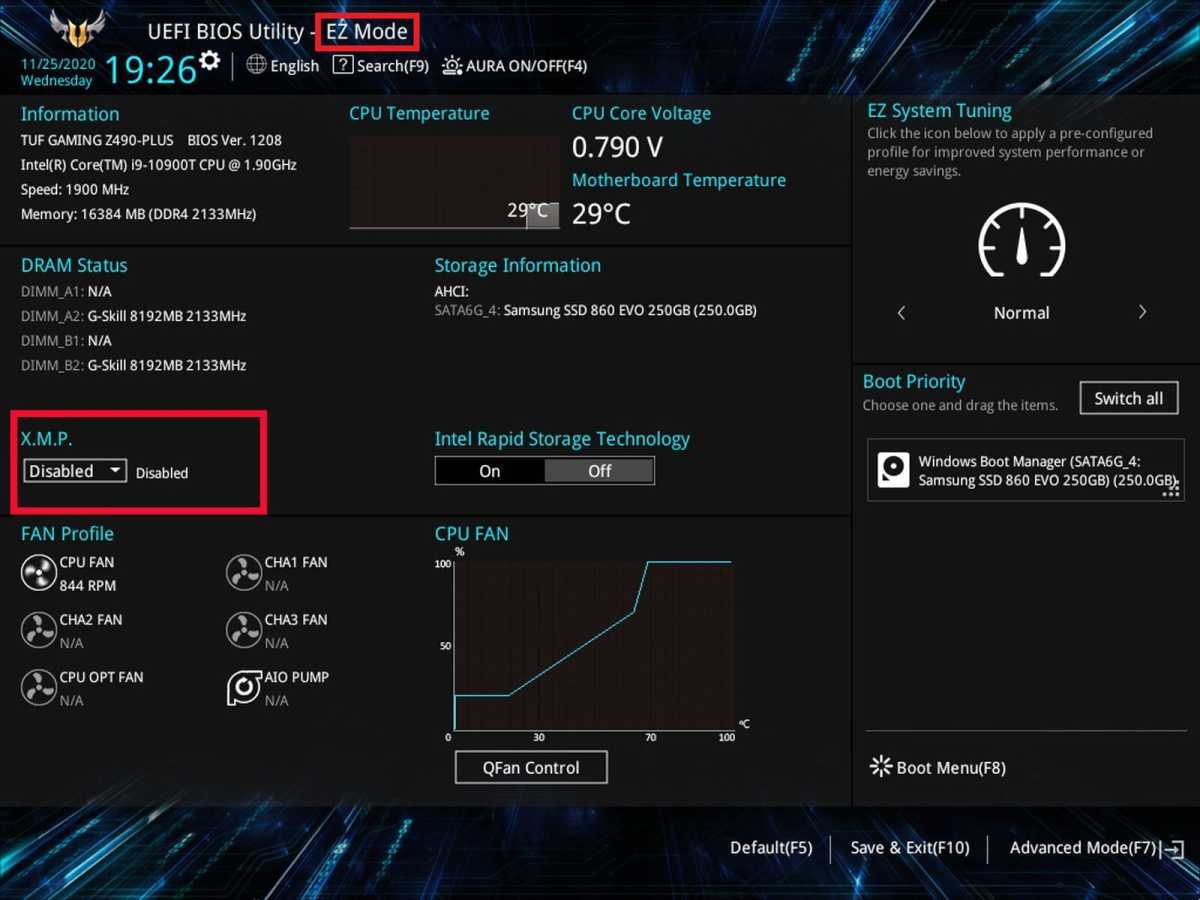
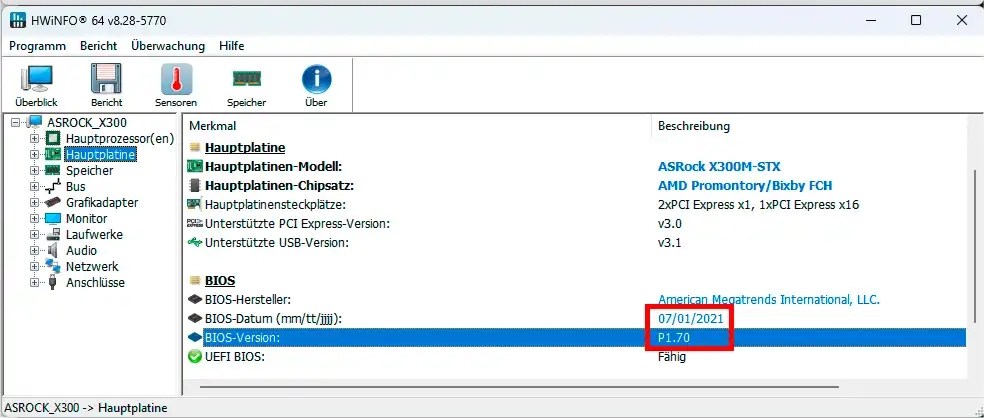
1. Update your PC's UEFI/BIOS to the latest version. UEFI software handles the startup process and is the successor to the older BIOS. If the UEFI is outdated, Microsoft cannot automatically update the Secure Boot certificates. Find the support page for your PC model and use automatic diagnostic tools to update the UEFI/BIOS.
2. Exercise more caution when online. Having out-of-date Secure Boot certificates isn't an immediate danger, but it makes your PC more vulnerable to attacks over time. Watch sites you visit, what browser extensions you install, and what software you download.
3. Keep your antivirus software updated. Staying on top of antivirus software updates can help avoid bootkits and other malware. Giving yourself better odds with up-to-date virus definitions can help prevent infections.
If your PC can't get Secure Boot certificate updates, it's likely because the manufacturer has stopped supporting the hardware. In this case, you may be facing a forced hardware upgrade or switching to Linux. It's not recommended to continue using a PC without updated Secure Boot certificates for too long, as online threats are increasing at a faster rate.
It's essential to stay informed and take necessary precautions to protect your PC from potential threats. Regularly checking for updates and exercising caution when online can help prevent attacks and ensure the security of your device.
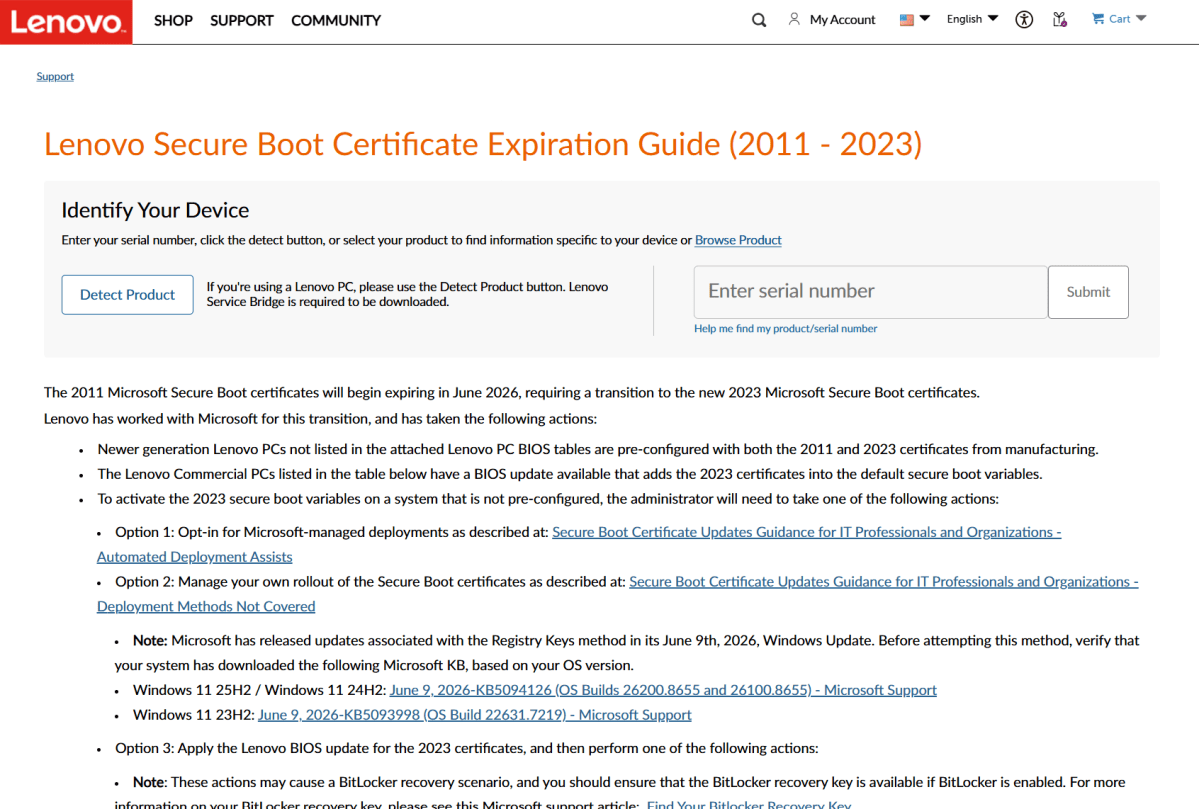
For prebuilt PCs and laptops, manufacturers may outline their Secure Boot update policies in their guides. If you can't find this information, try support forums for further guidance. In some cases, a forced hardware upgrade may be the only option.
It's crucial to weigh the costs and benefits of continuing to use an outdated PC. While saving money in the short term may seem appealing, it could ultimately lead to financial losses and wasted time if your PC is compromised.
By staying informed and taking proactive measures, you can ensure the security and integrity of your PC and protect yourself from potential threats.


